Language
 United States
United States
United States
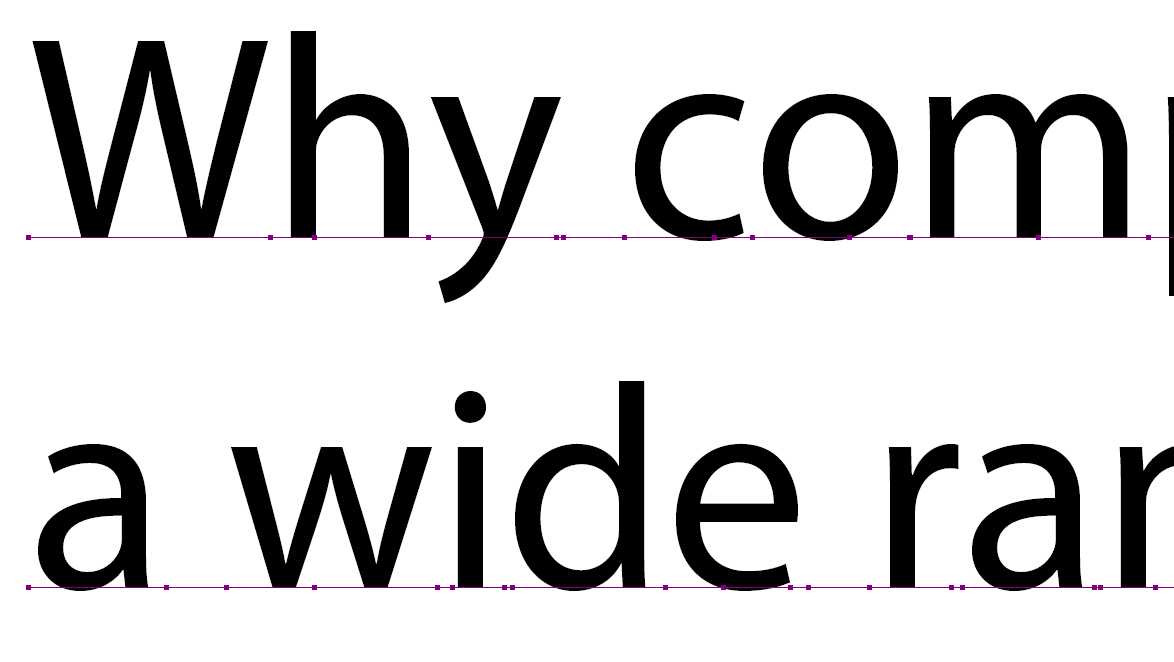
Generally speaking, Photoshop is not the first choice program to create Print-Ready files. However, if this is the only program available, it can produce files that are suitable for print, but extra care must be taken to ensure that the text is exported as vector shapes or live text and does not get rasterized.
Live text:
Rasterized text:
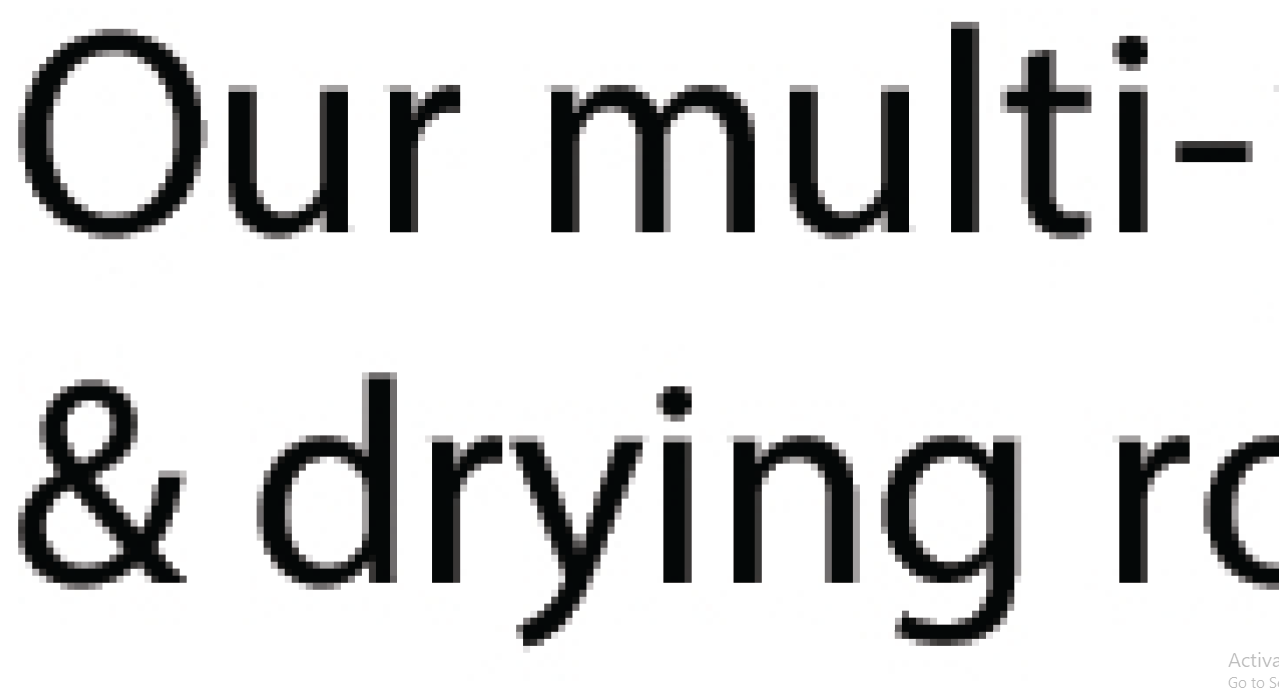
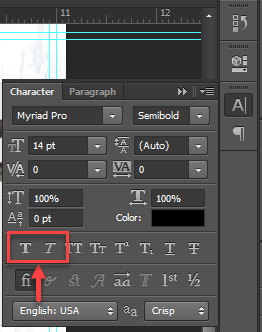
The most common cause of this issue is "faux-bold" or "faux-italic" fonts, or in other words, fonts that aren't truly bold or italic, just forced by Photoshop to look bold or italic.
This is done using the "Bold" and "Italic" buttons in the Character Panel:
 Instead, the desired font style should be chosen from the Font Sub-Set menu:
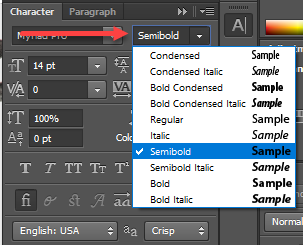
This will allow the fonts to be preserved and embedded into the exported PDF.
 Canada
Login and Registration Form
Get Started And Become the Next "Newprint's Best Customer"
For printing professionals looking for a wide selection of paper, printing, and related products, you have arrived at the perfect place. Sign up to explore all the options and be informed of all our offers.
If you are a printing broker reseller or purchasing agent, reach out to us to become a Certified Print Specialist.