Language
 United States
United States
United States
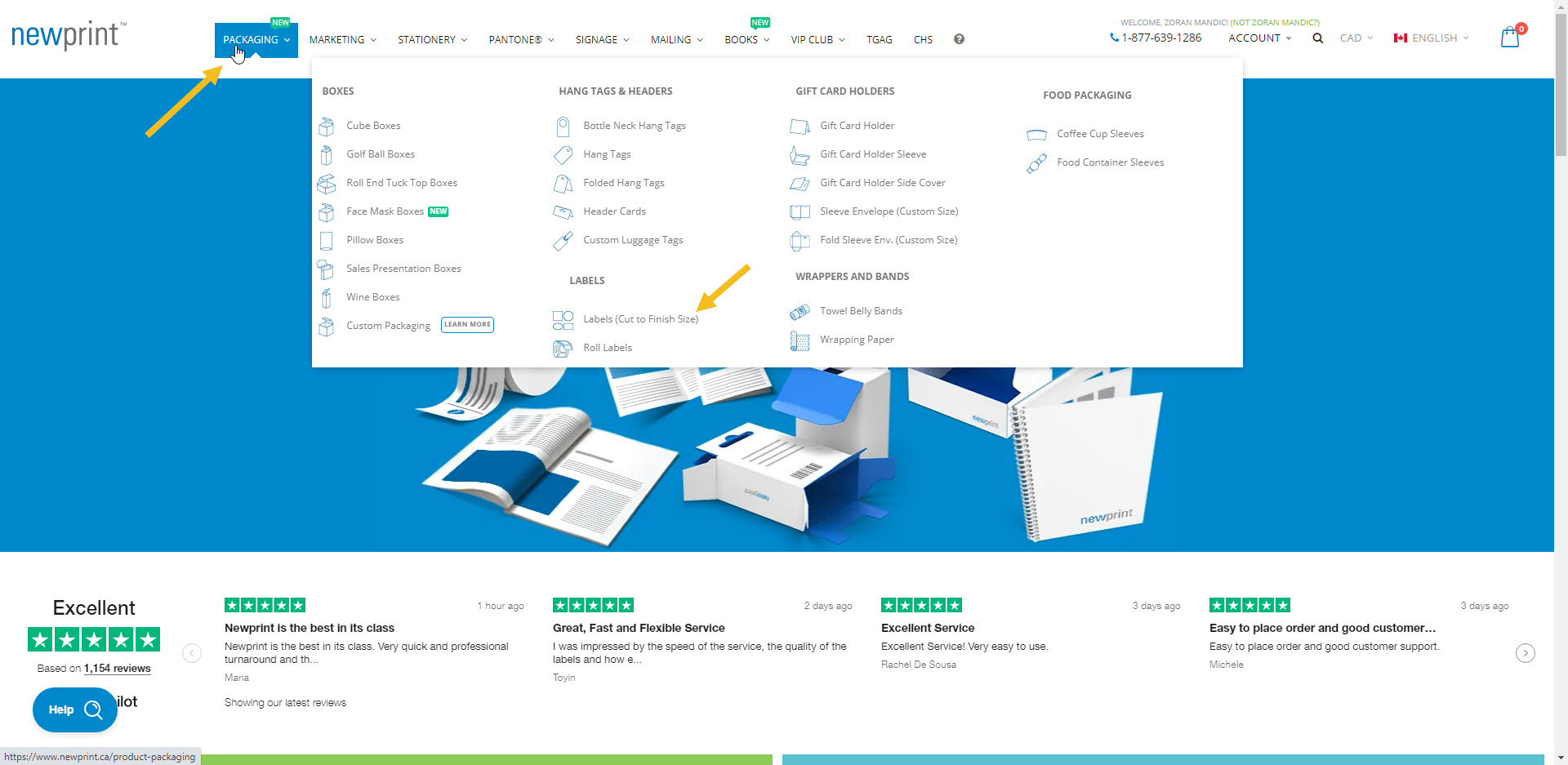
1. From the main menu, go to the Labels product page.
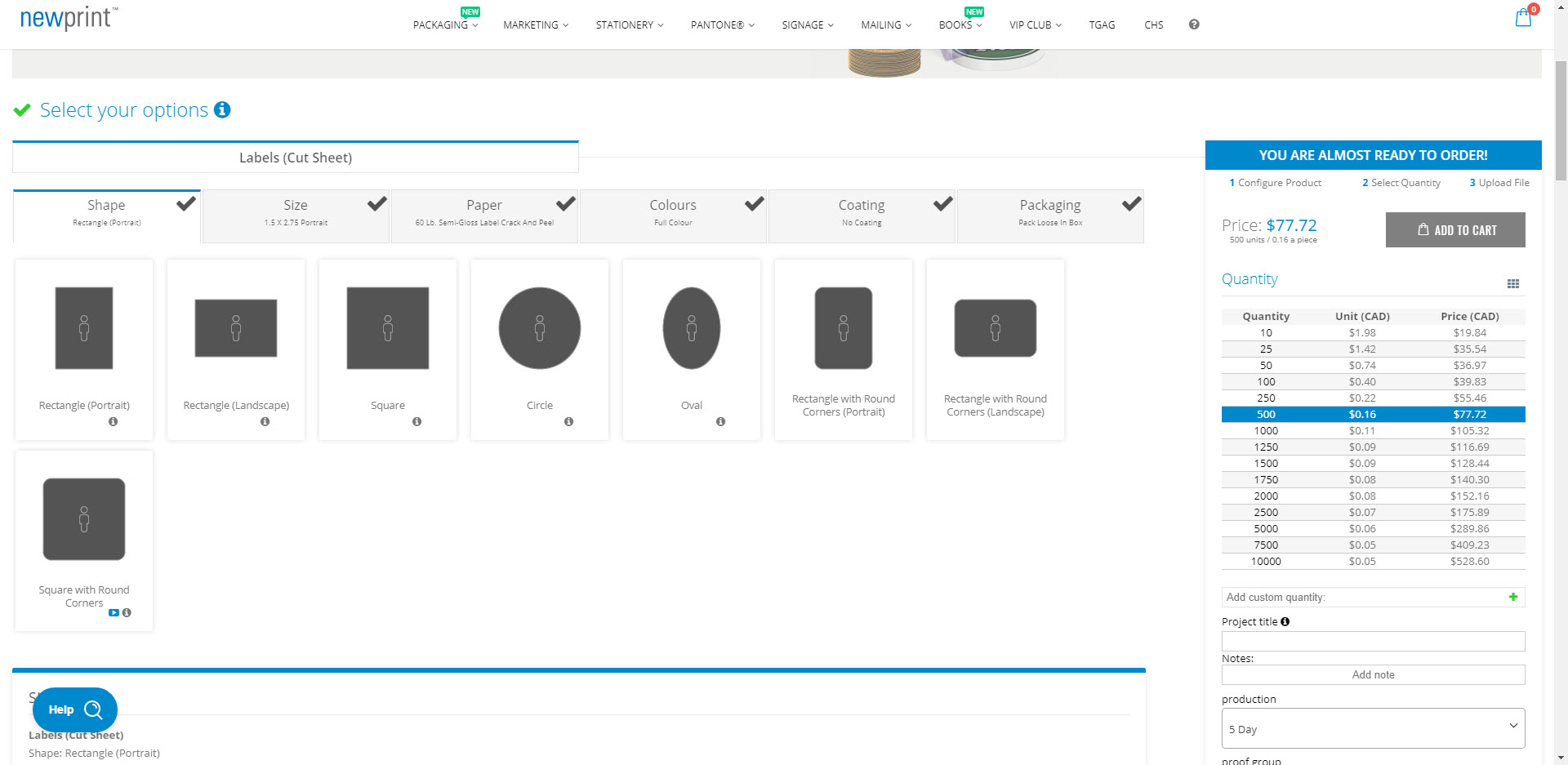
2. Choose the label shape.
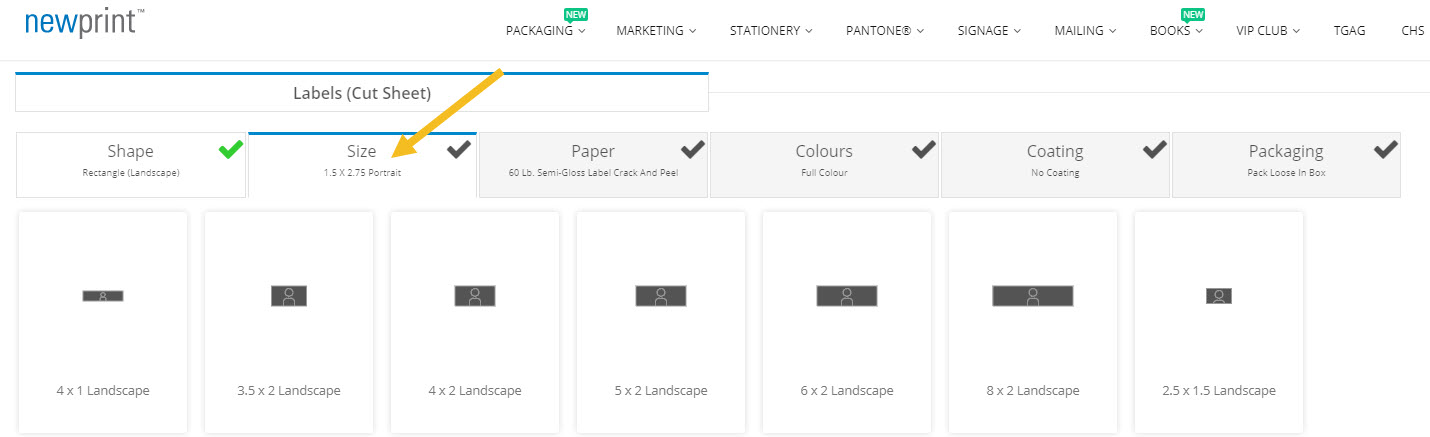
3. Once you are on the Size tab, scroll down until you see Add custom format.
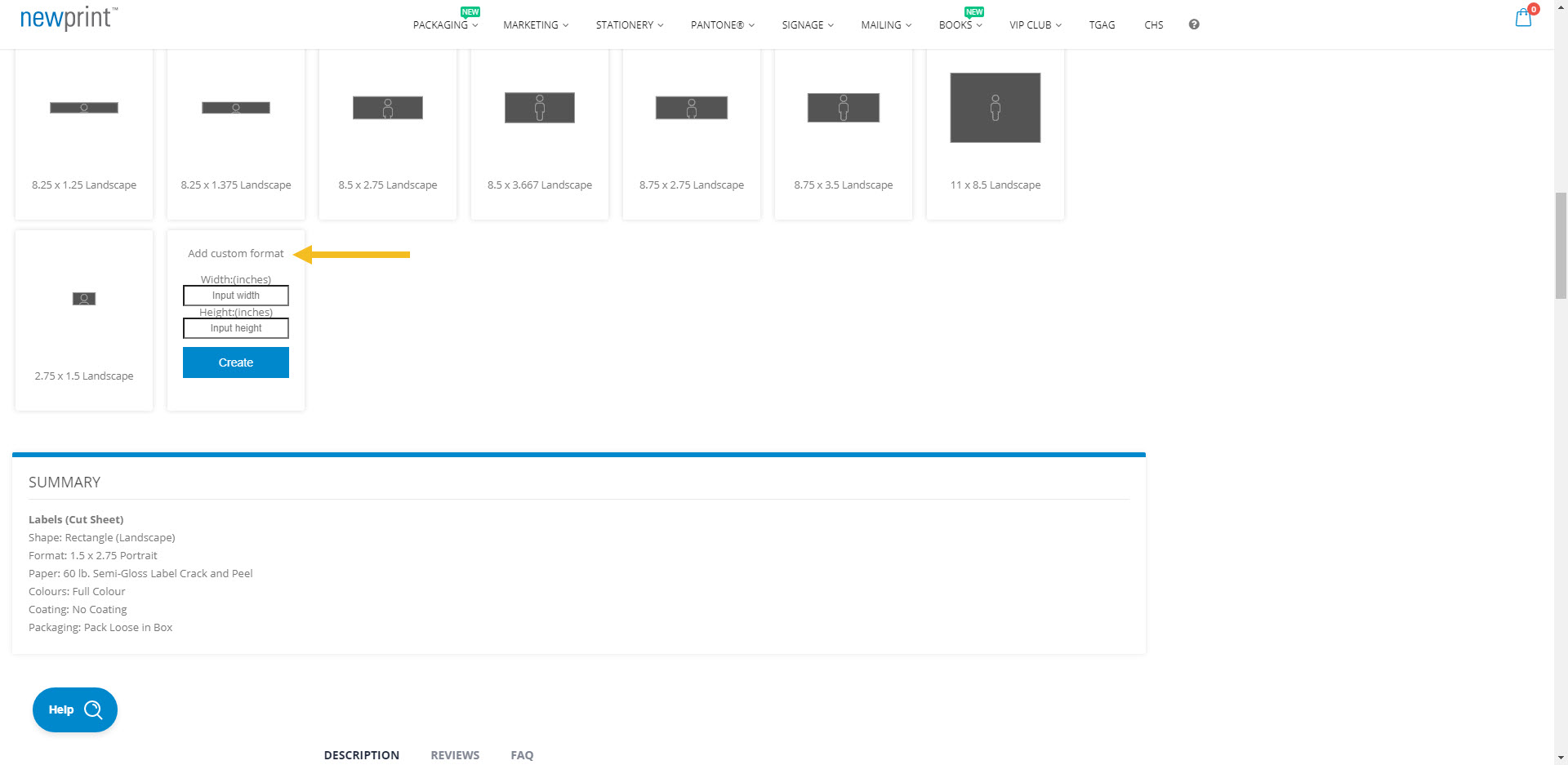
4. Enter your custom size and click the Create button.
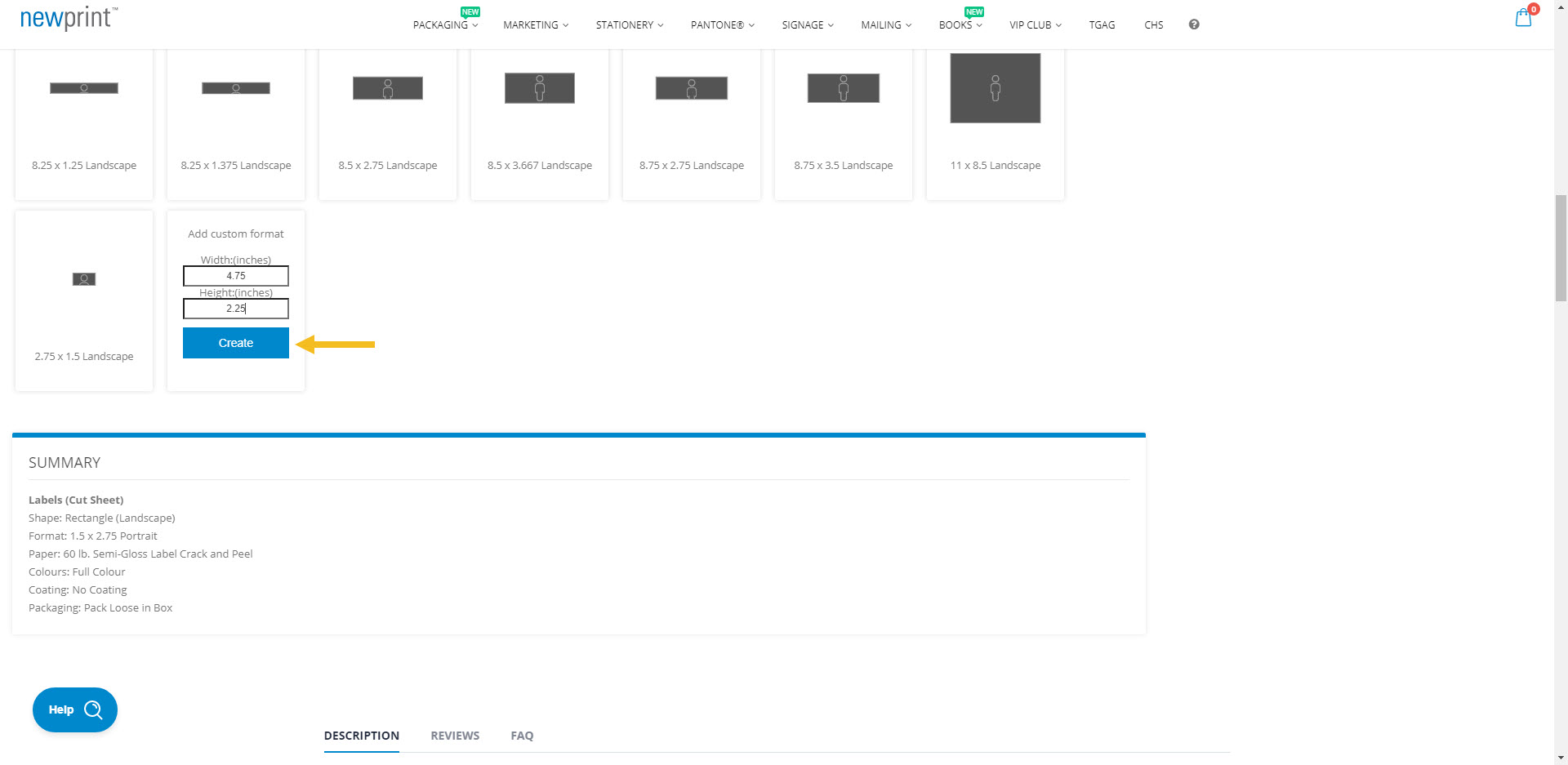
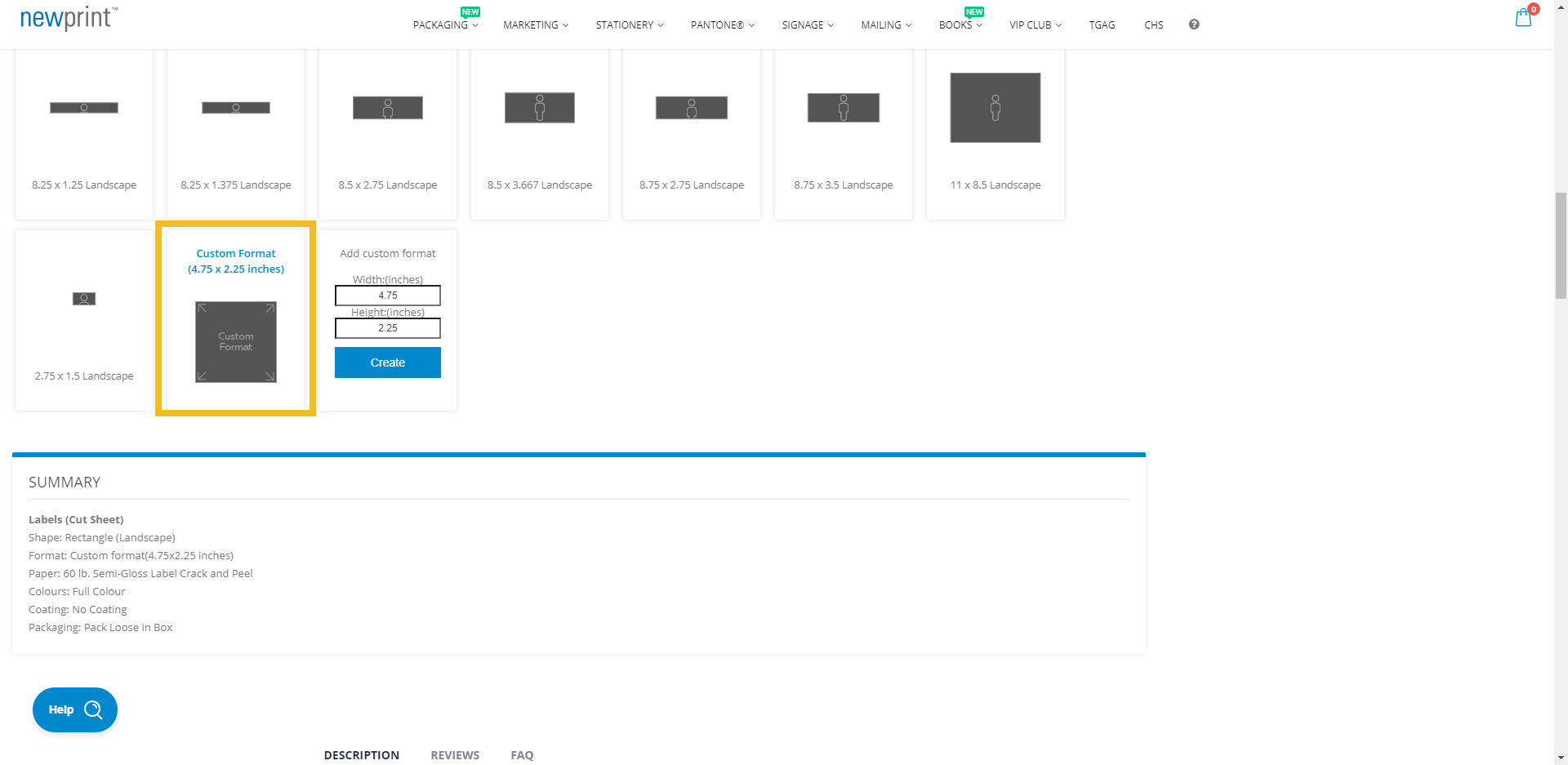
5. Your custom size will appear next to the Add custom format box. Click on your custom size to select it.
 Canada
Login and Registration Form
Get Started And Become the Next "Newprint's Best Customer"
For printing professionals looking for a wide selection of paper, printing, and related products, you have arrived at the perfect place. Sign up to explore all the options and be informed of all our offers.
If you are a printing broker reseller or purchasing agent, reach out to us to become a Certified Print Specialist.