Language
 United States
United States
United States
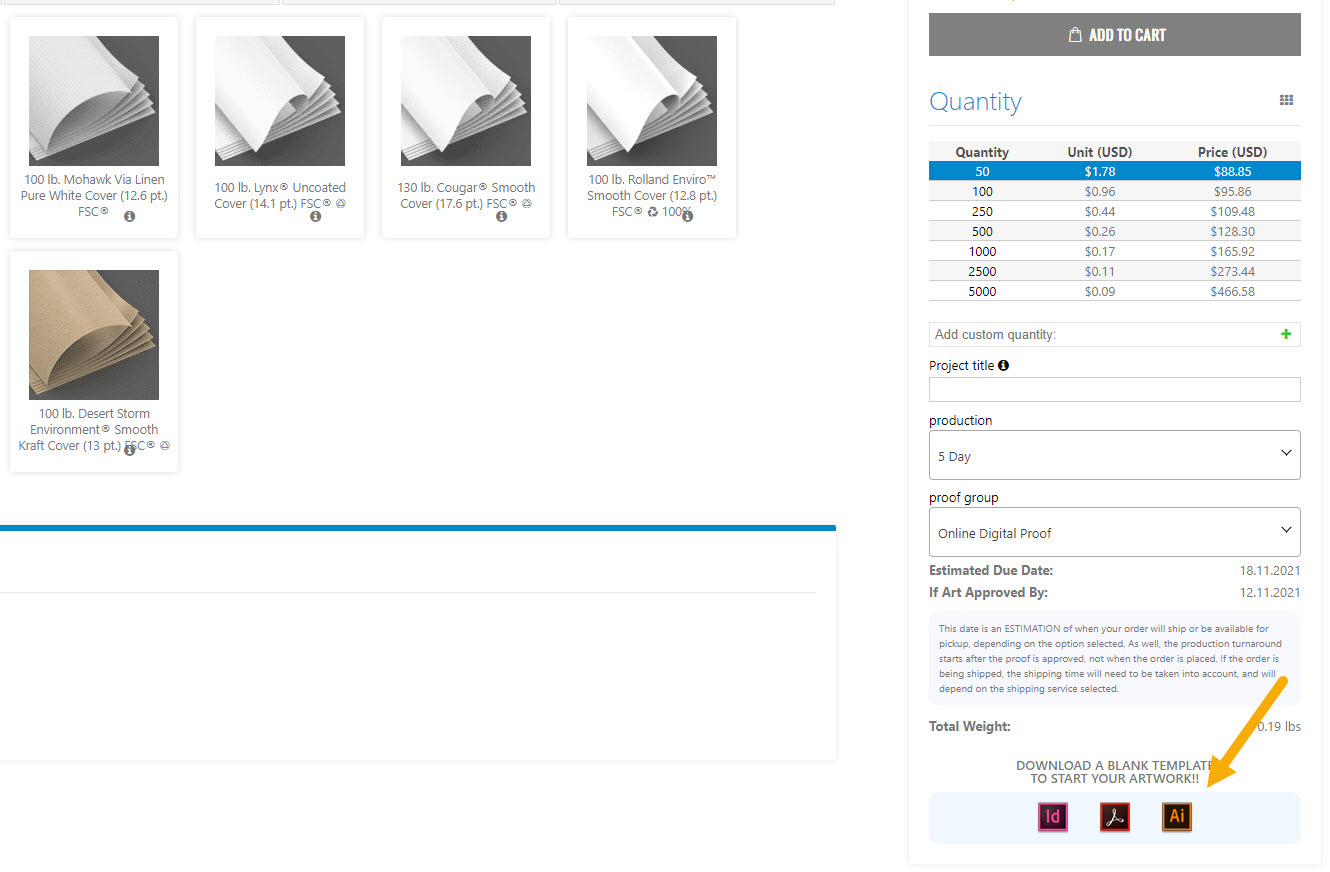
1. Download the Illustrator template. Go to the Coffee Cup Sleeves page and choose your product options. Once you have chosen your last option scroll down and click on the Ai icon to download the template.
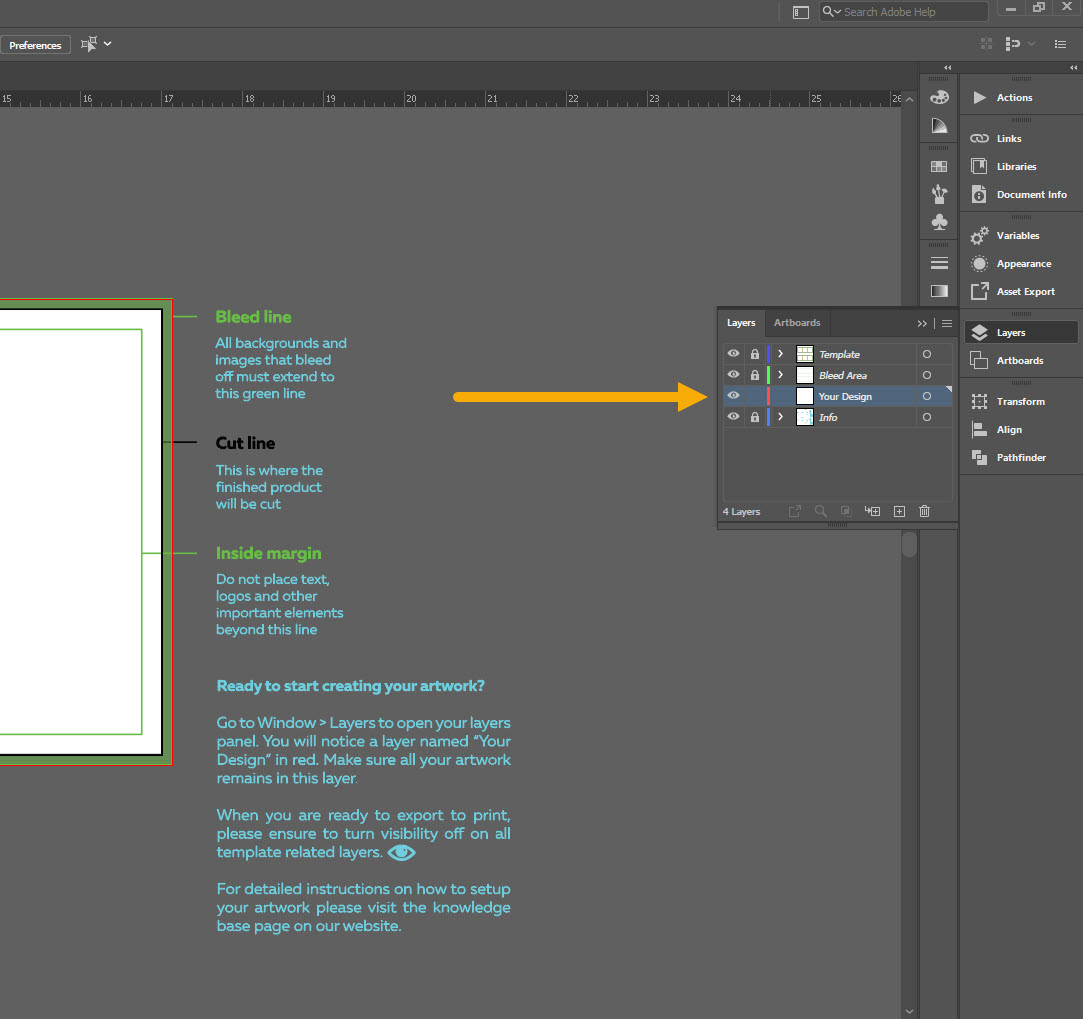
Do not modify the document dimensions, rotate the dieline or edit the dieline and the artboard in any way.
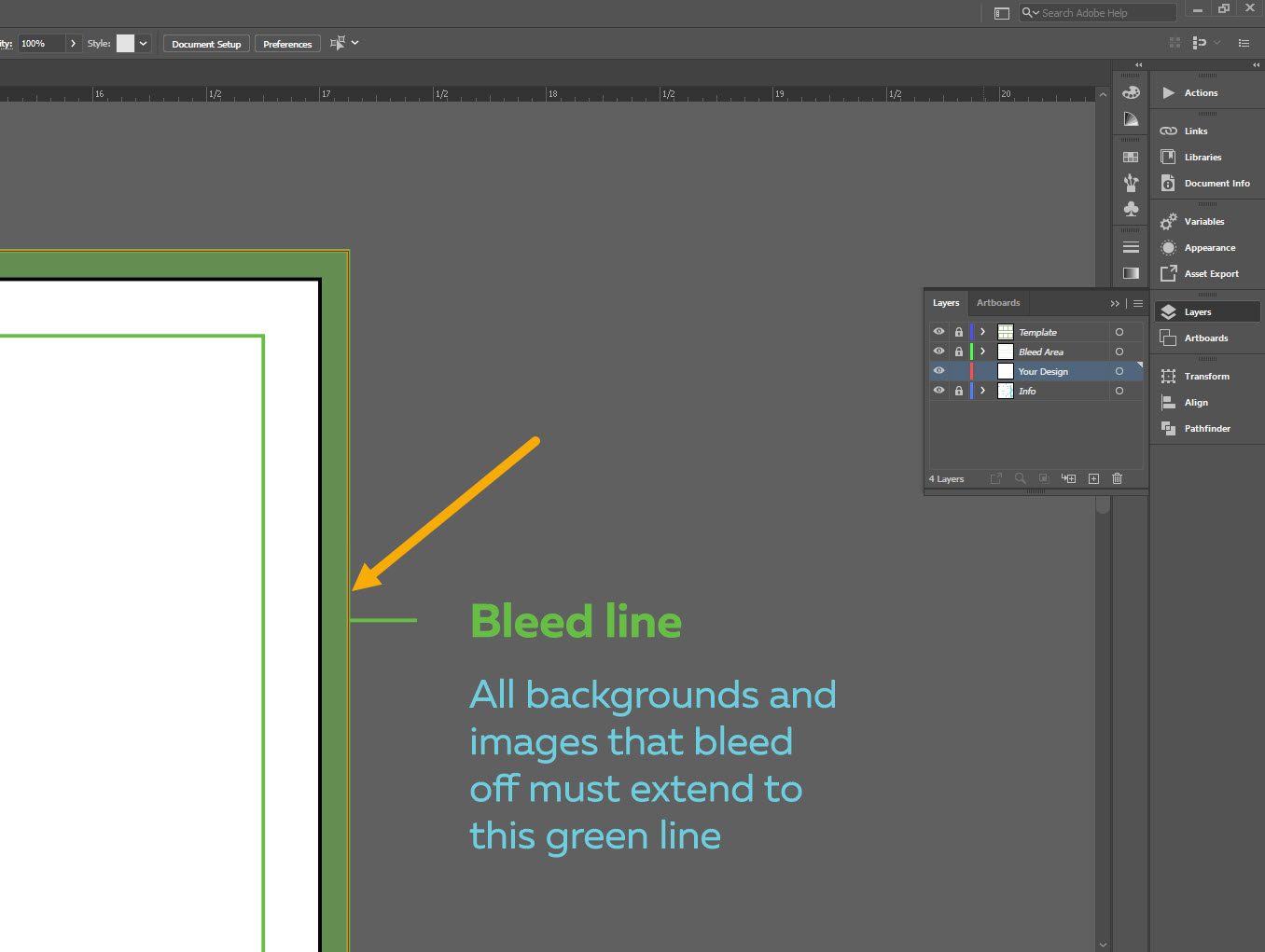
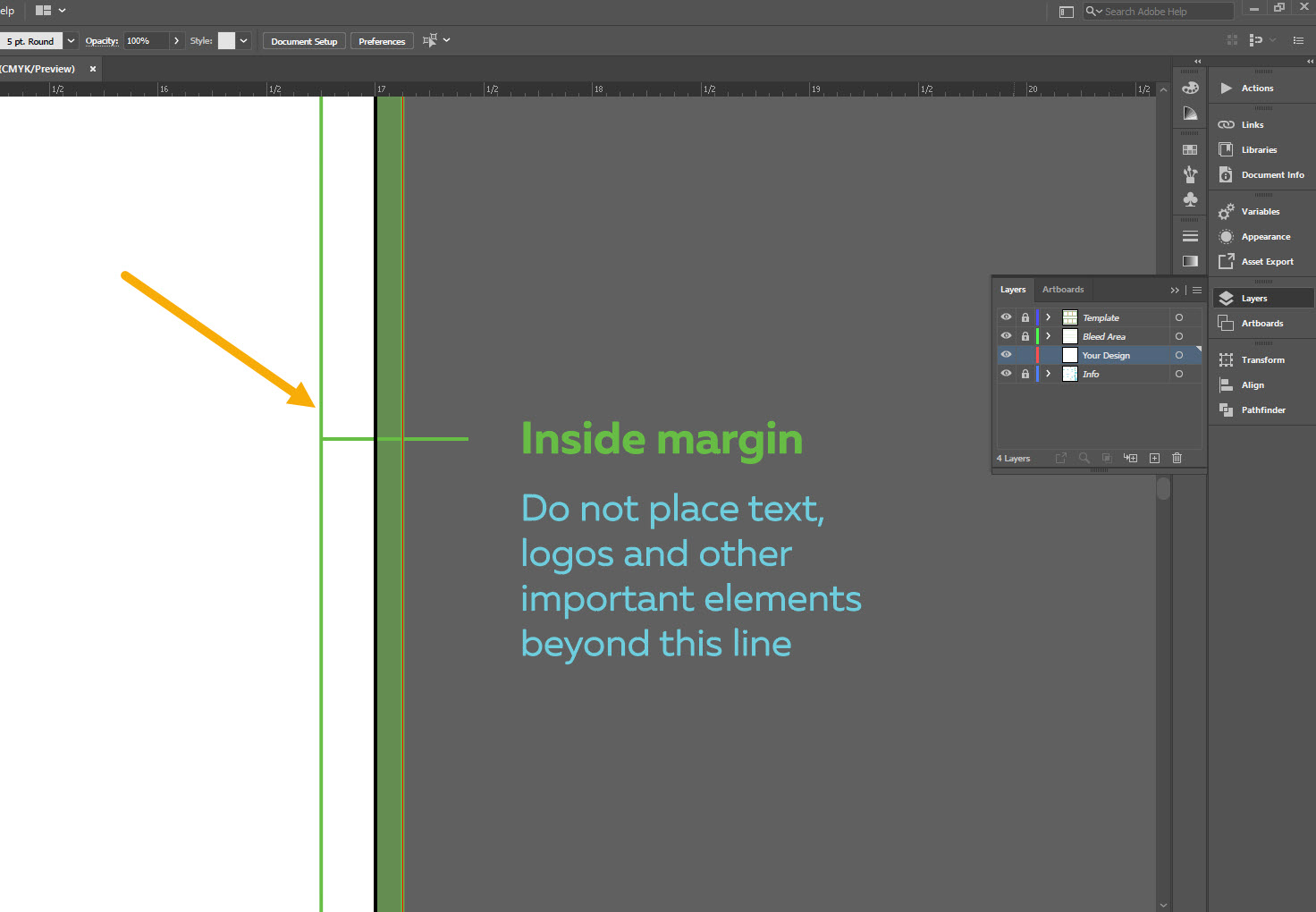
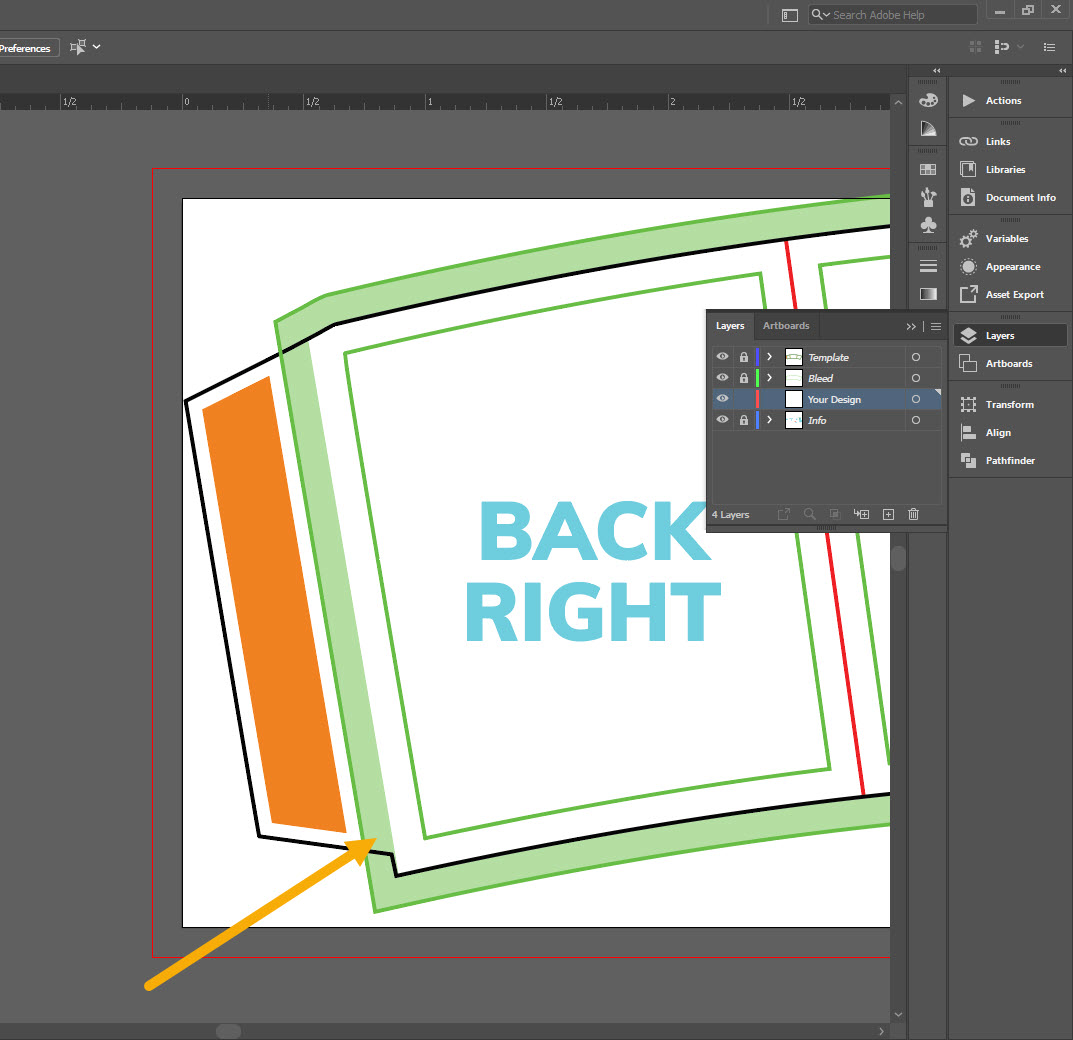

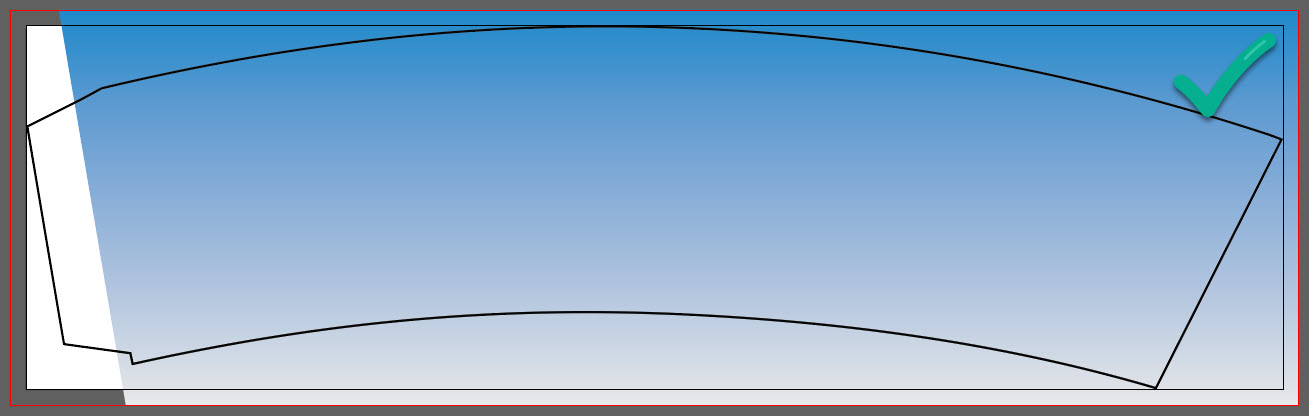
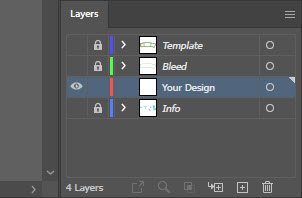
1. Turn off the visibility of all template layers. Only leave the Your Design layer active.
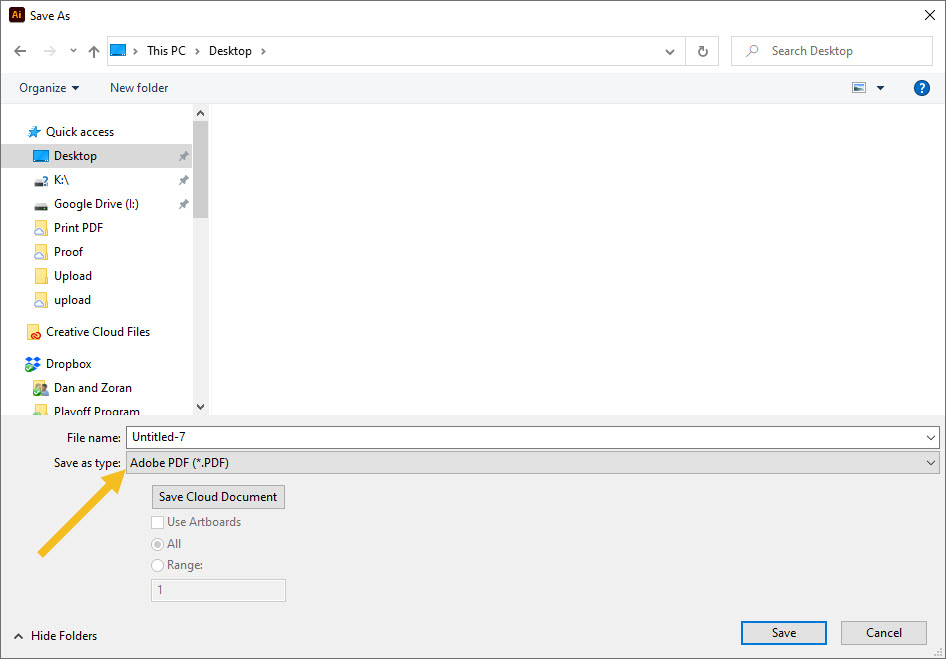
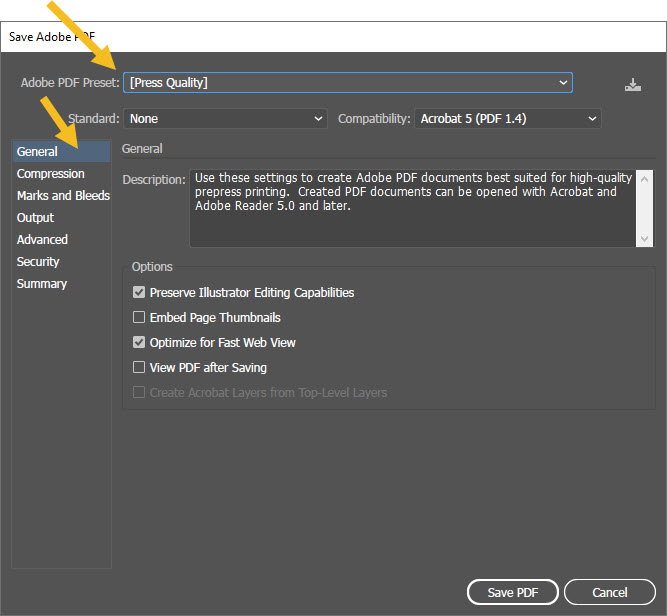
2. Go to File / Save As. For the file type, choose Adobe PDF. Click Save.
3. On the General tab, choose Press Quality preset.
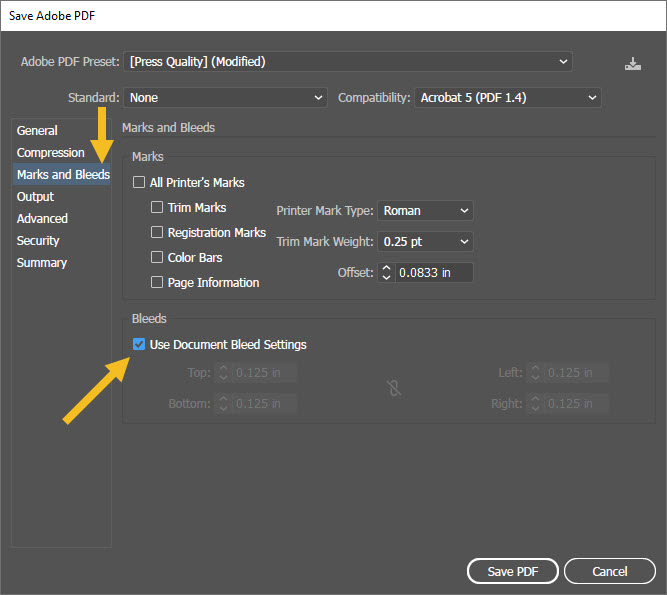
4. On the Marks and Bleeds tab, check Use Document Bleed Settings. Click Save PDF.
 Canada
Login and Registration Form
Get Started And Become the Next "Newprint's Best Customer"
For printing professionals looking for a wide selection of paper, printing, and related products, you have arrived at the perfect place. Sign up to explore all the options and be informed of all our offers.
If you are a printing broker reseller or purchasing agent, reach out to us to become a Certified Print Specialist.